
Drop it. It follows.
One guide, four layers. Each layer holds a sample you drop in or a built-in sound and follows the guide's rhythm, its notes or a pattern you draw — Layer hears kick, snare and hat apart, so a layer can sit on just one of them.
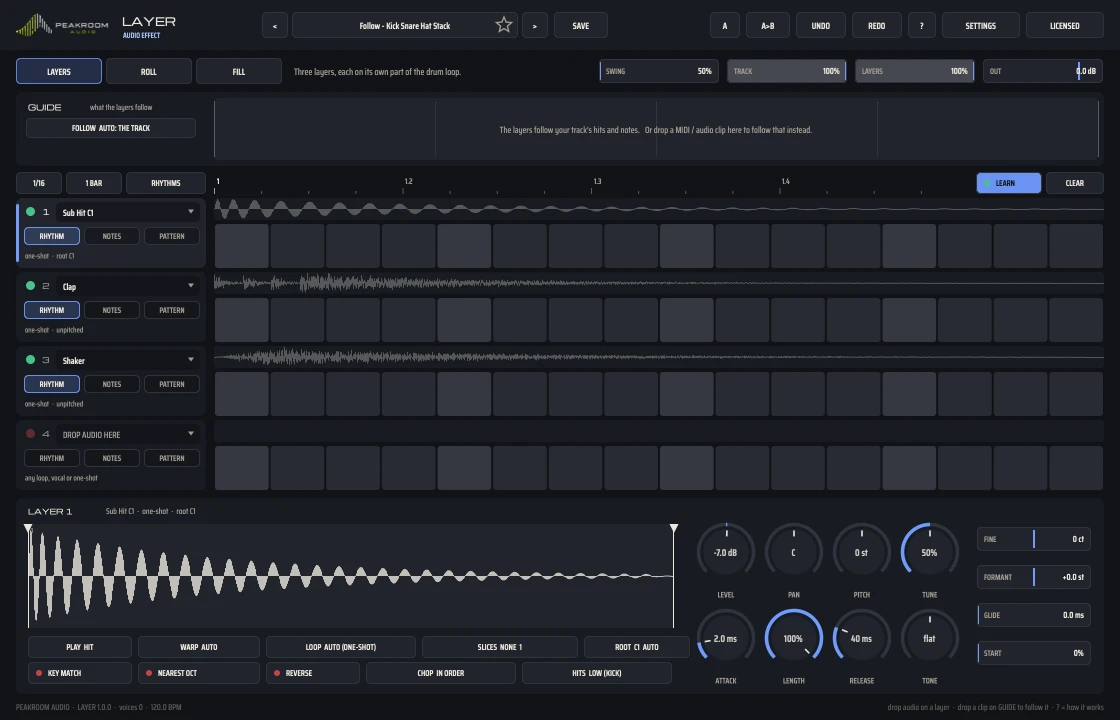
Drop a sample.
It follows your track.
Perpetual license · Windows & macOS · VST3 + AU · license key by email right after payment
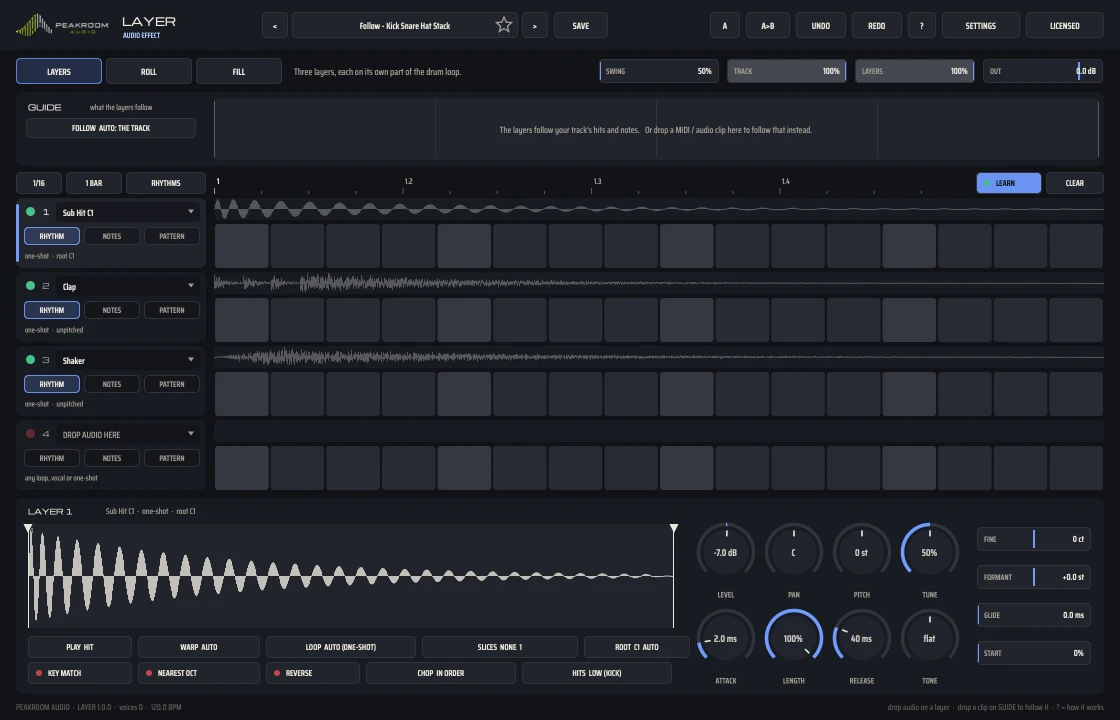
Shown above: the actual plugin, exactly as it opens in your DAW. Put it on a track, drop a loop, a vocal or a one-shot on a layer and choose what it follows: the rhythm of the track, its notes, or a pattern you draw. The installer contains two plugins — Peakroom LAYER for audio tracks and Peakroom LAYER Instrument for MIDI tracks — and one license opens both.
A real Ableton Live session: a vocal dragged onto a layer, rhythm and note match switched off and on, presets, Learn, and a pattern drawn by hand.
Sound on. The plugin on screen is the real interface, not a mock-up.
Real screens from the plugin — no mock-ups.
One guide, four layers. Each layer holds a sample you drop in or a built-in sound and follows the guide's rhythm, its notes or a pattern you draw — Layer hears kick, snare and hat apart, so a layer can sit on just one of them.
Gate lets the sample run with the song and opens it on every note. Chop plays the next slice on each note; Hit starts it from the top. Cut slices at transients, on the grid or by hand on the waveform.
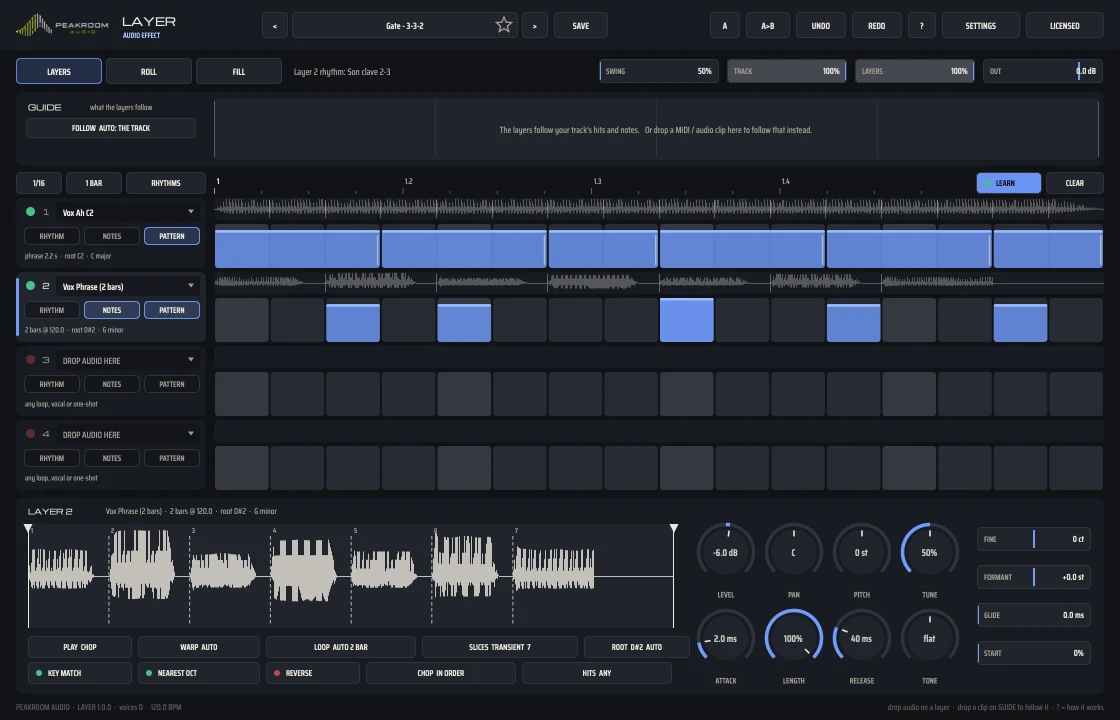
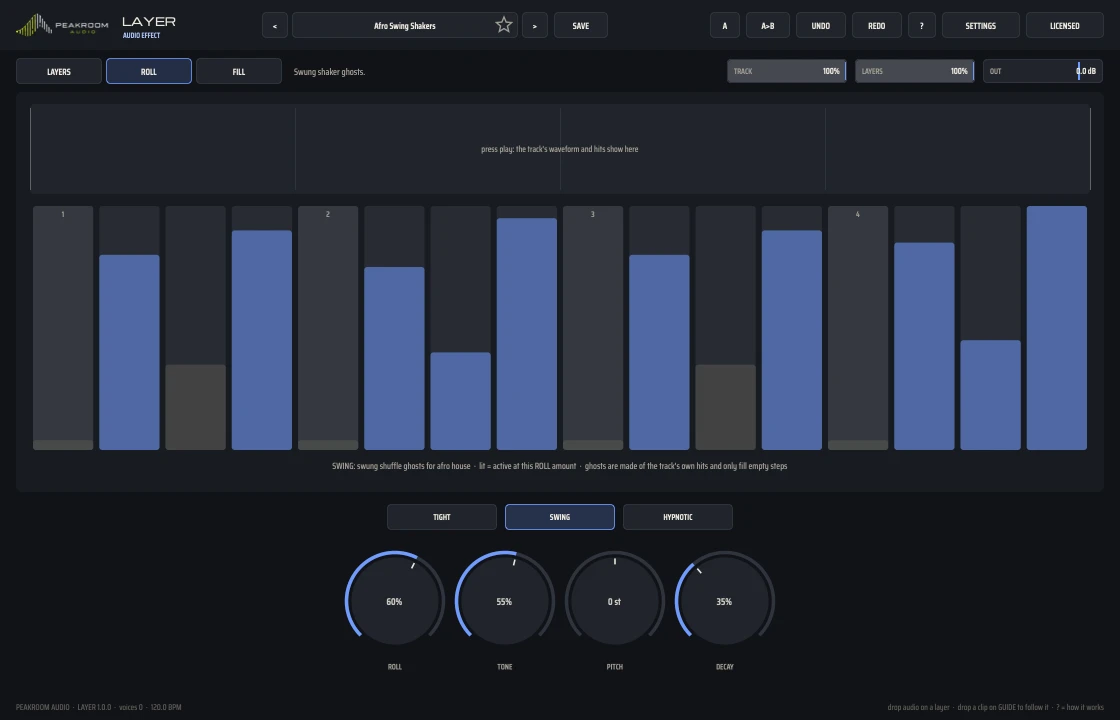
Roll adds ghost hits made of the track's own hits on the empty steps — tight, swung or hypnotic, with tone, pitch and decay.
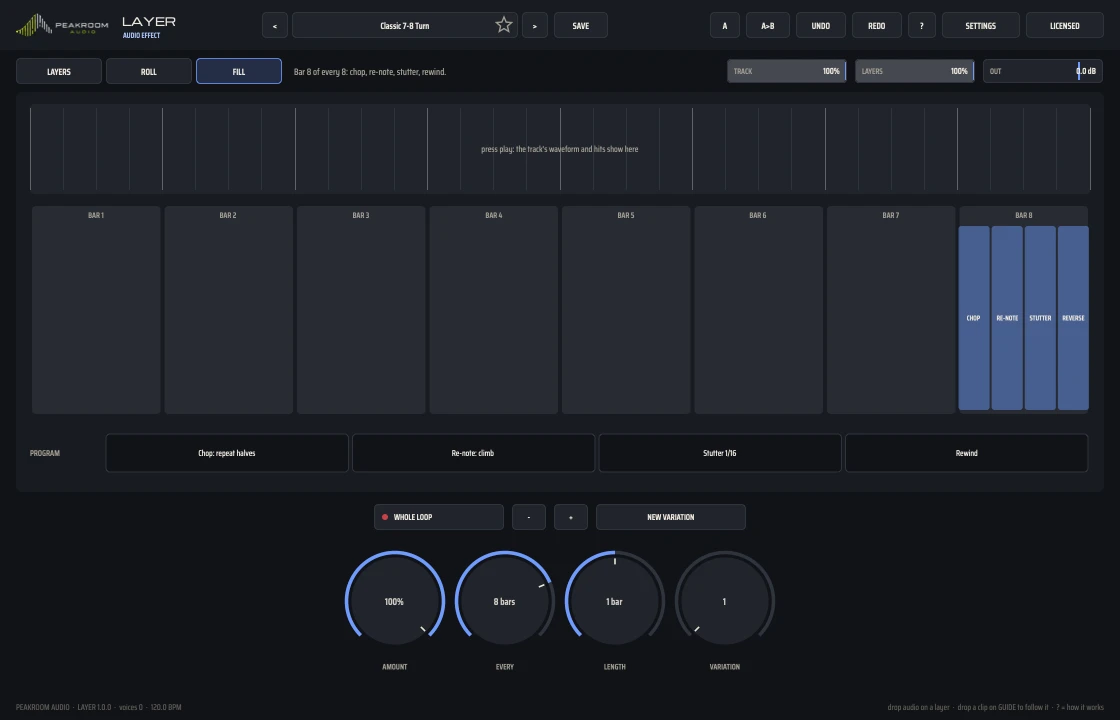
Fill turns the last bar of a phrase into a fill built from the track's own sound: chop, re-note, stutter, rewind.
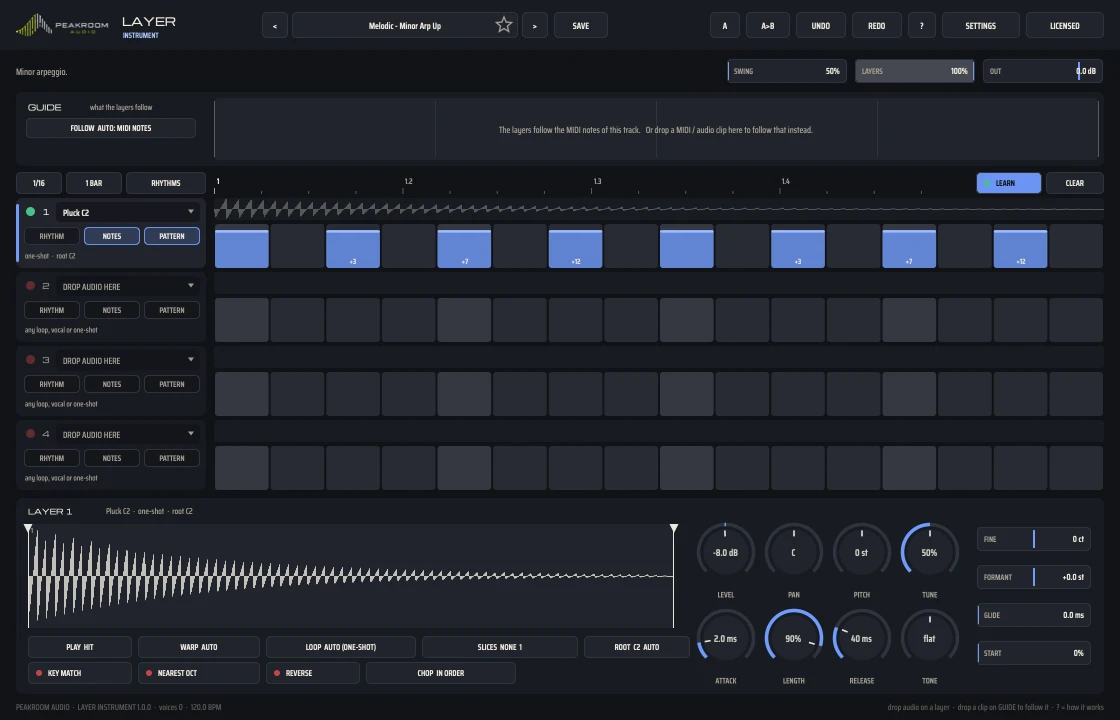
Layer Instrument sits on a MIDI track with no latency: your samples play the notes and the rhythm of the clip, each layer in its own way.
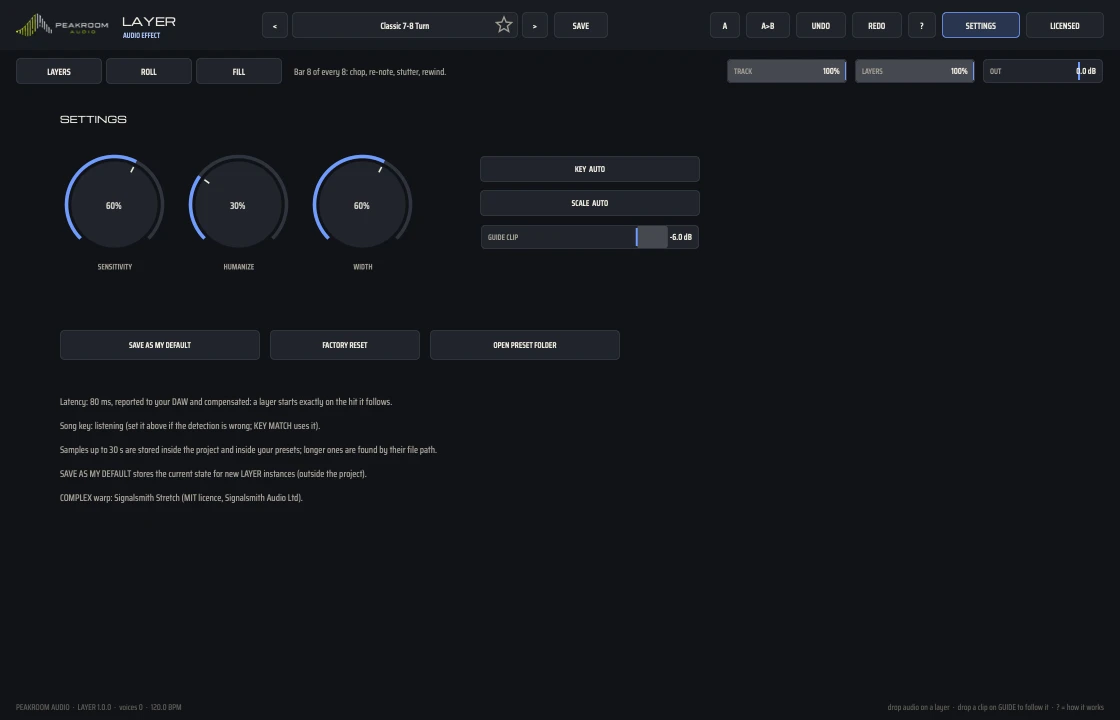
Sensitivity, humanize and width, the song key and scale, and Save as my default — every new instance opens your way.
Drop a loop, a vocal or a one-shot on a layer and it locks onto a guide — its rhythm, its notes, or both. The guide is the track LAYER sits on, its MIDI, or a clip you drop in; no routing. Four layers, four warp engines, slices, 40 classic rhythms and 189 presets, as an audio effect and as an instrument.
Ask us a question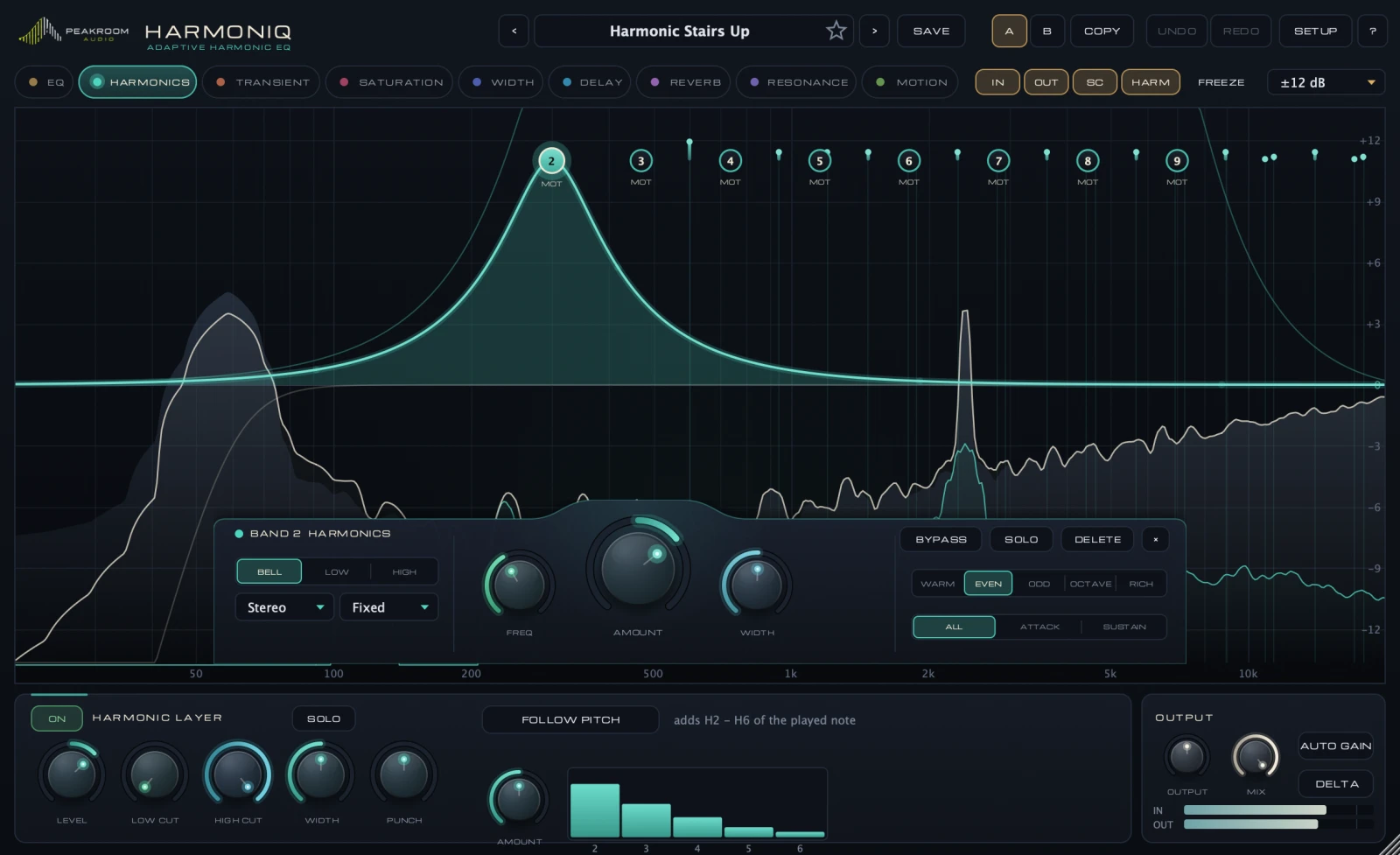
The adaptive harmonic EQ. Free.
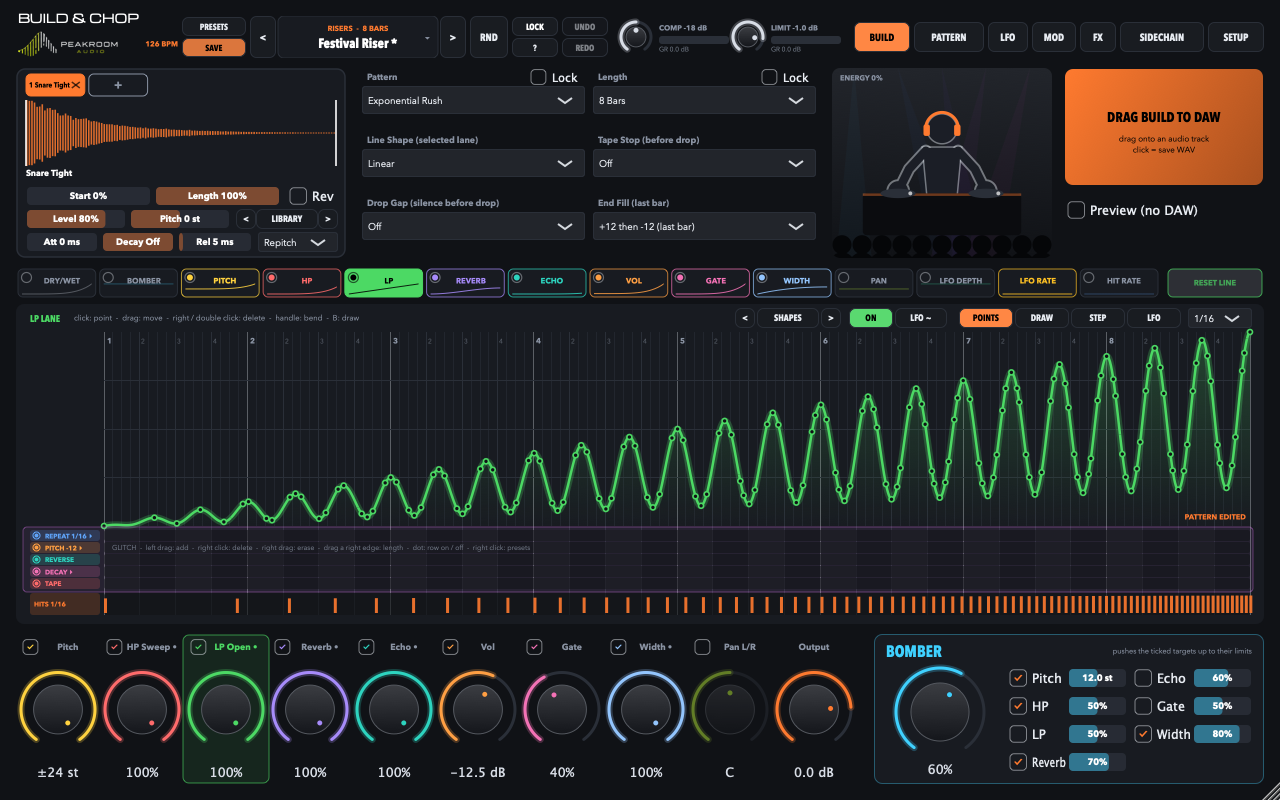
Everything in one plugin.
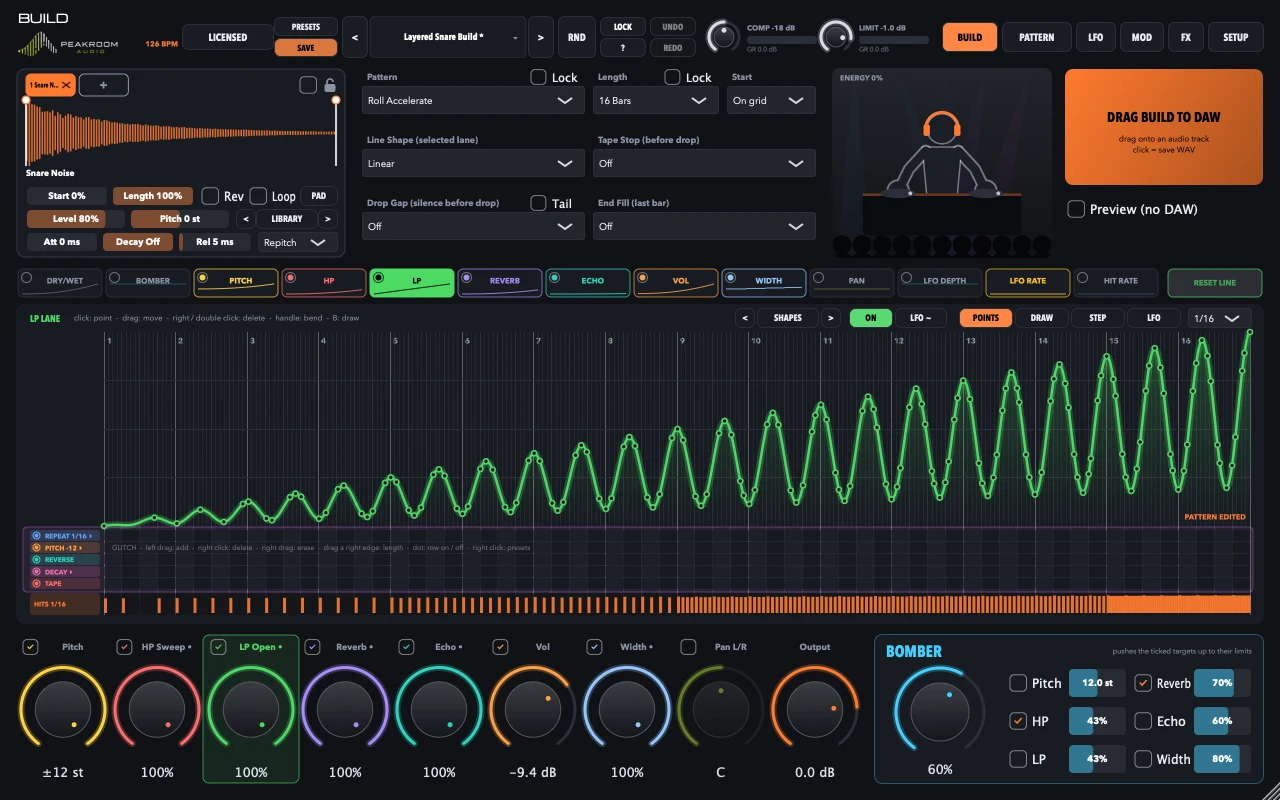
Just the build.
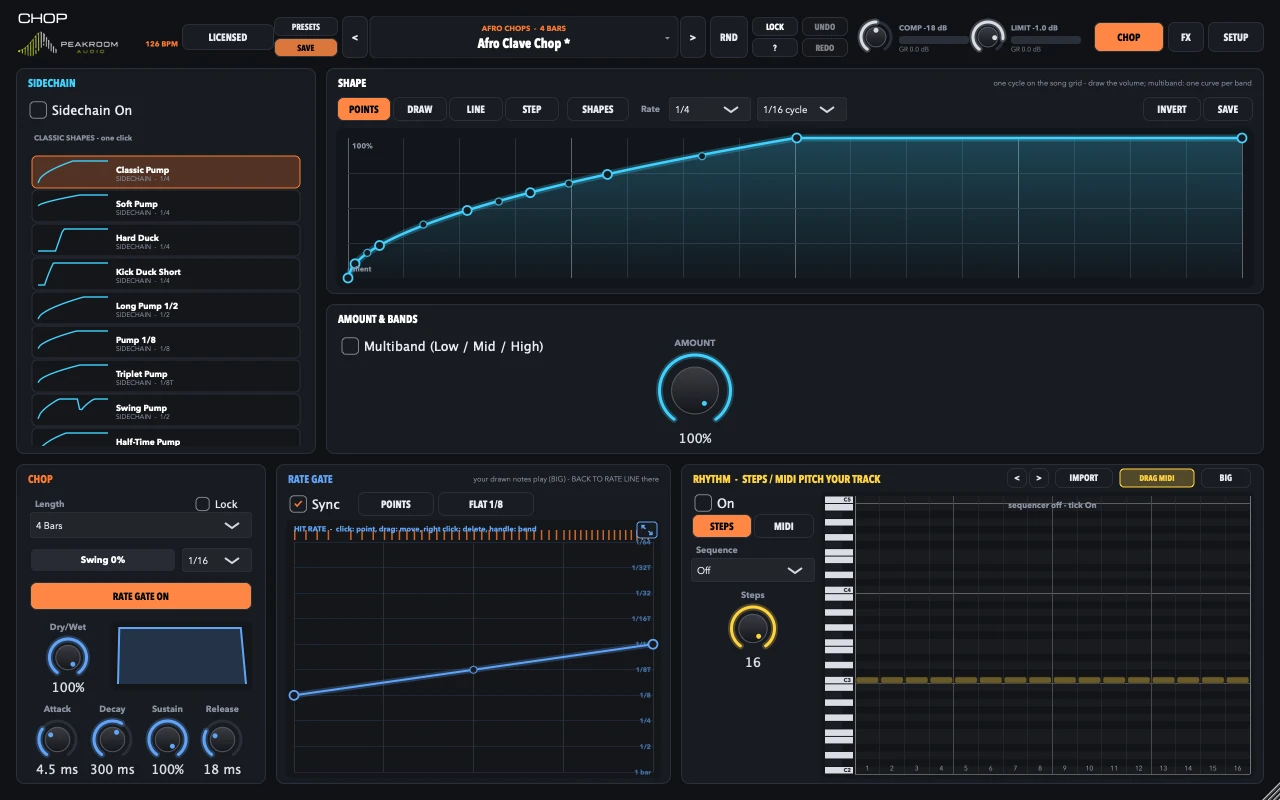
Rate gate, rhythm and sidechain on your track.
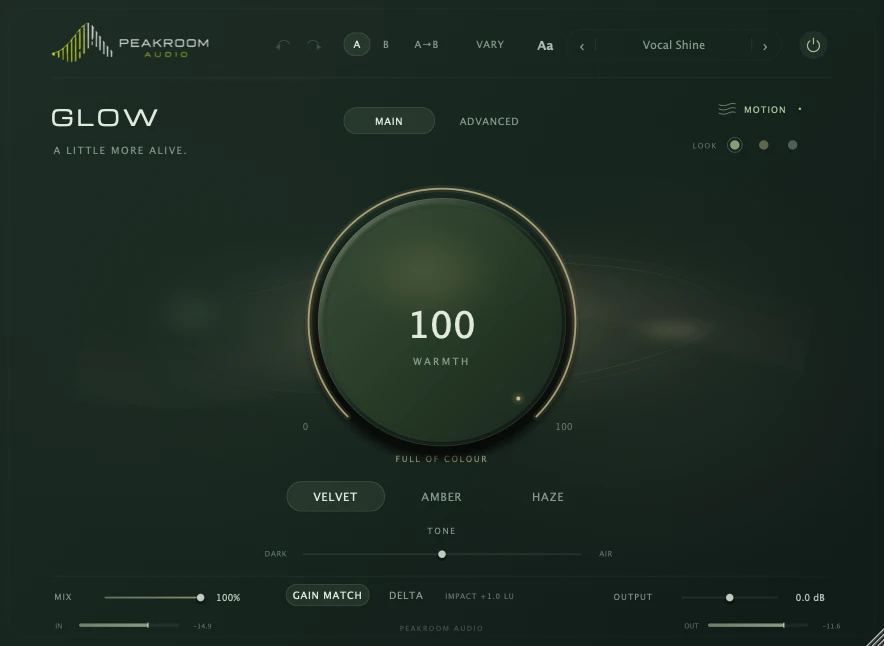
Tone, dynamics and texture under one dial.
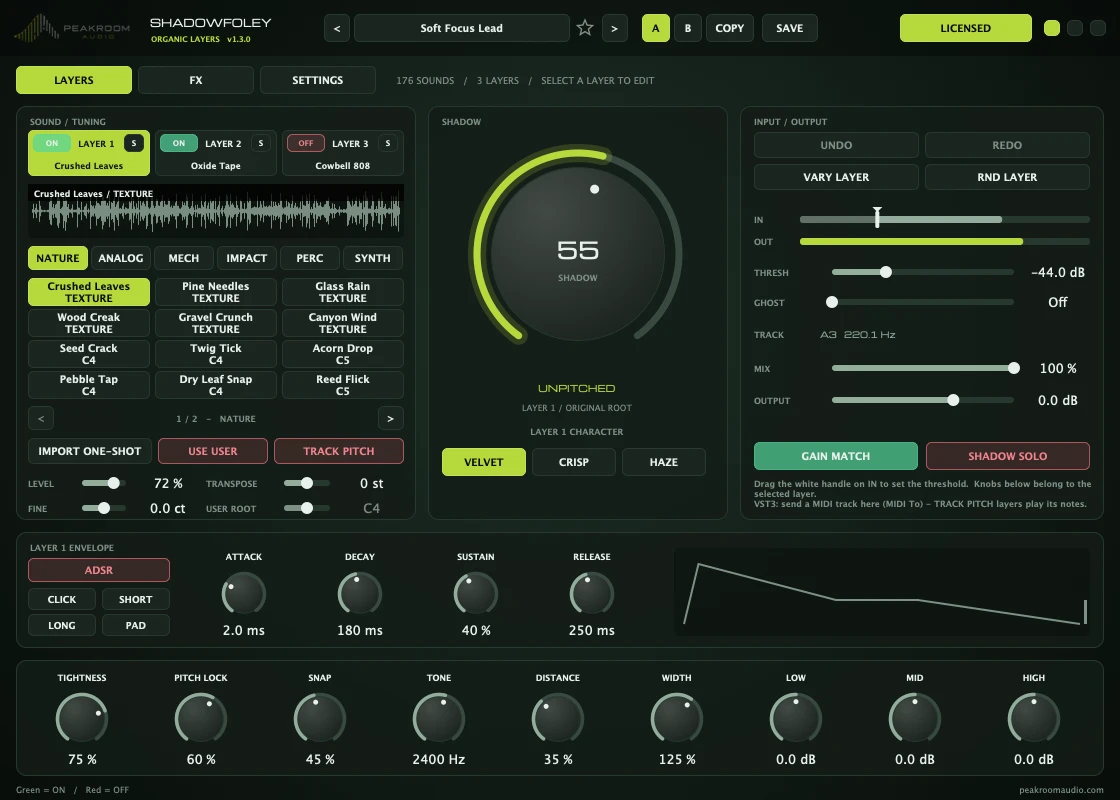
Organic layers that follow your sound.
Build is the build side: effect lanes, BOMBER, glitch and tape rows, hit and rate patterns, LFO, MOD and FX. Chop adds the groove side: the rhythmic sequencer with arps, MIDI melody in and out, and per-band sidechain, with every other feature on board. Build & Chop is the complete plugin.
Buy it once: Build at $36 (regularly $60) and Chop at $36 (regularly $60) launch price — or $24 each with a personal 60% code from the Get discount page. Checkout is handled by Creem; your license key arrives by email right after payment.
Windows 10+ (64-bit, VST3) and macOS 11+ on both Apple Silicon and Intel Macs (VST3 and AU). One license covers both systems.
Yes. Build & Chop is the all-in-one: its license unlocks Build & Chop, Build & Chop FX, Build and Chop on up to 4 computers. A Build or Chop license unlocks only that plugin (also up to 4 computers).
Plugins included in a membership stay active while the membership is active. Plugins you buy separately are yours to keep with a perpetual license.